Your code
Each app the agent writes is a folder in ~/Code, kept in git,
so you can see every change it made and carry on in any editor.
 Osiris
A Linux operating system with an AI agent.
Based on Arch Linux, with the Cinnamon desktop. The agent can change how your desktop looks and write small apps for you, using an AI model from a provider you connect, such as OpenAI. The apps it writes show up in your menu and match your theme.
Early development (alpha). Free and open source.
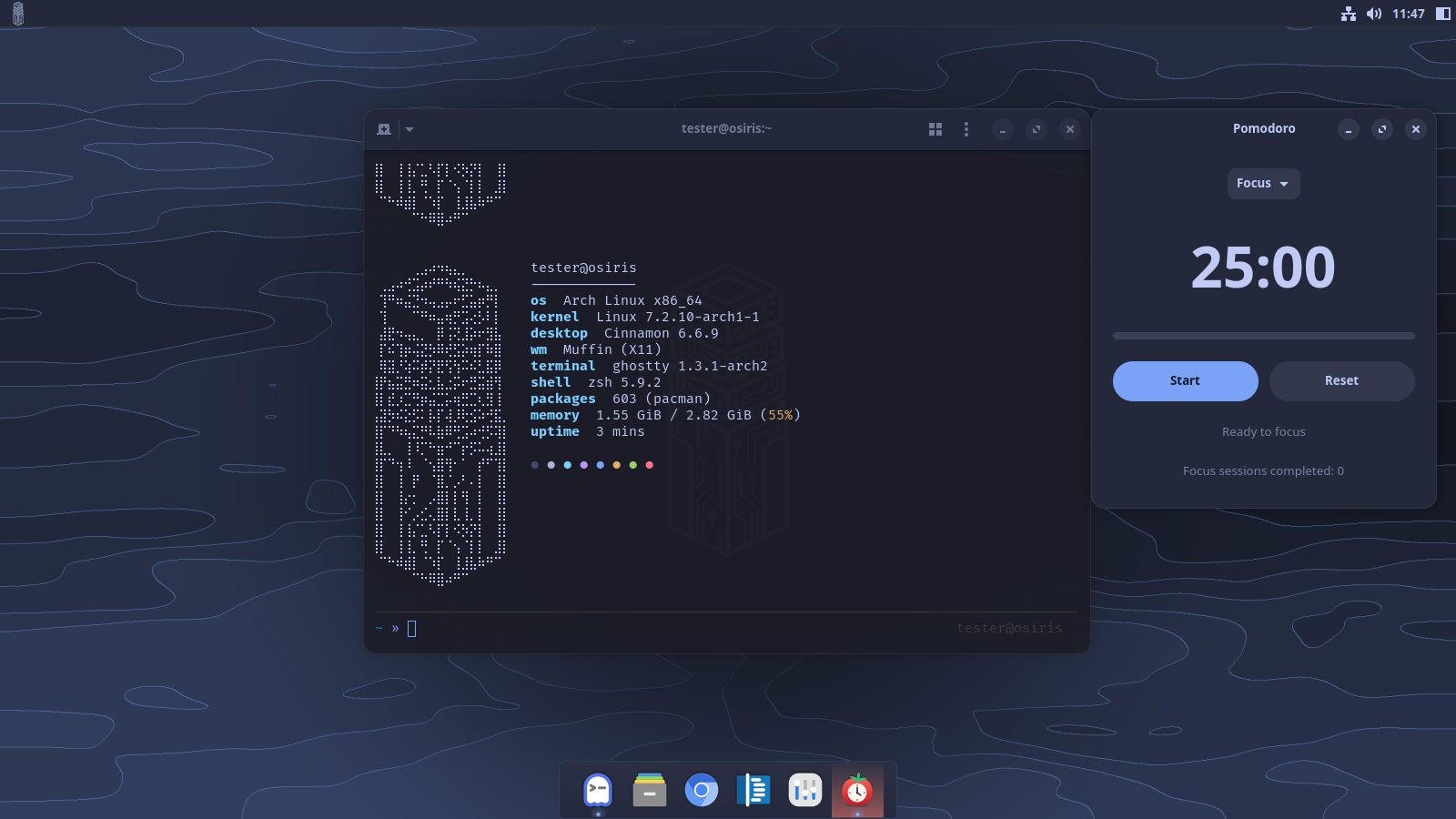
Press Super + A and a sidebar opens. This is Osiris's agent: you type what you want, and it does it, using the AI model you connected.
Ask for an app, say a Pomodoro timer, and the agent writes one. Try it, then install it into your applications menu and pin it to the dock. It writes Python, C or C++, Rust, Go or JavaScript.
Ask for a new look or a moving wallpaper, and it makes one and puts it on your desktop. Every change comes with an Undo button.
The agent can only do what Osiris allows: look around, make changes that can be undone, and edit the code of the apps it wrote. Anything else is refused, and you see what it tried.
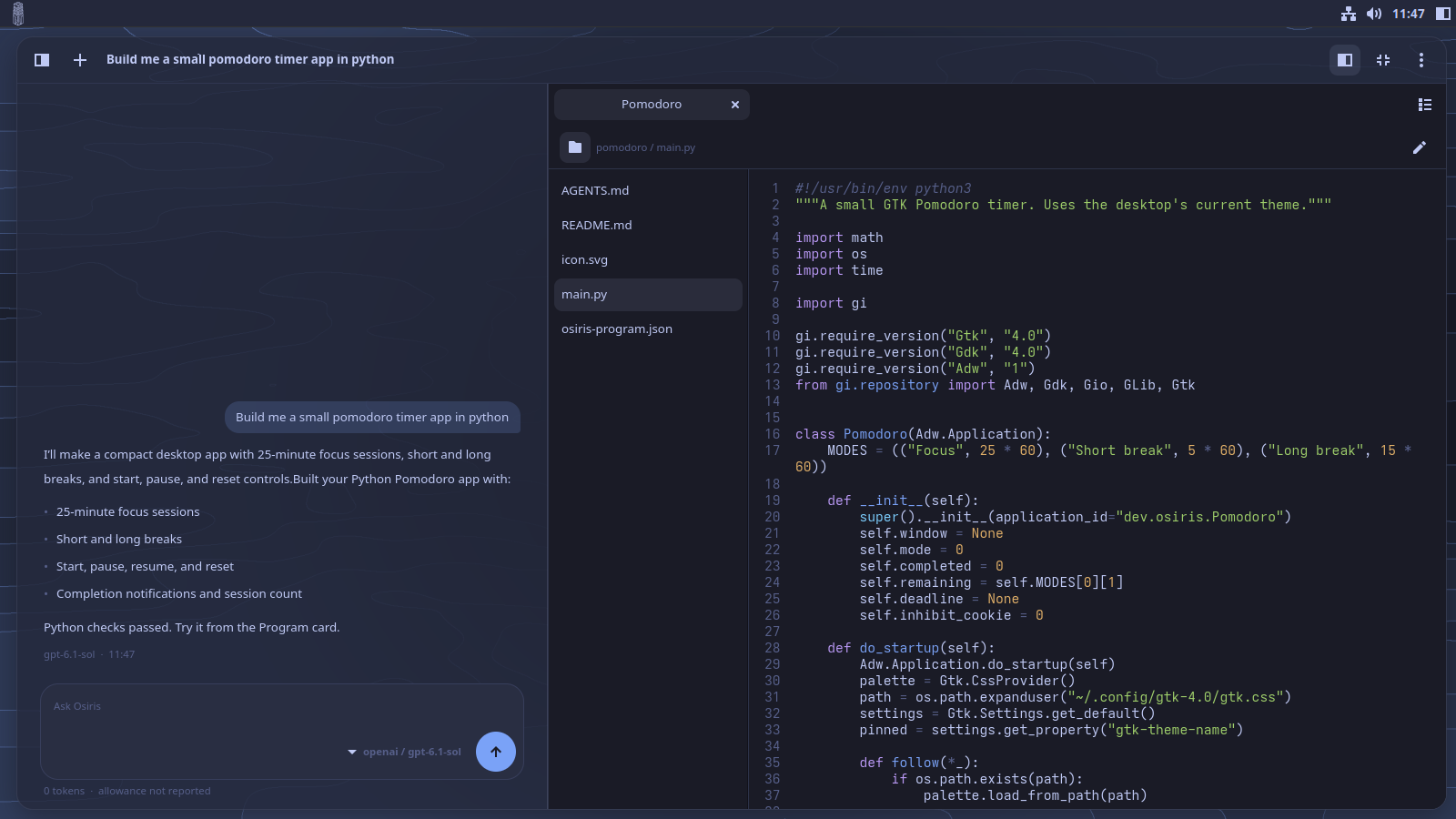
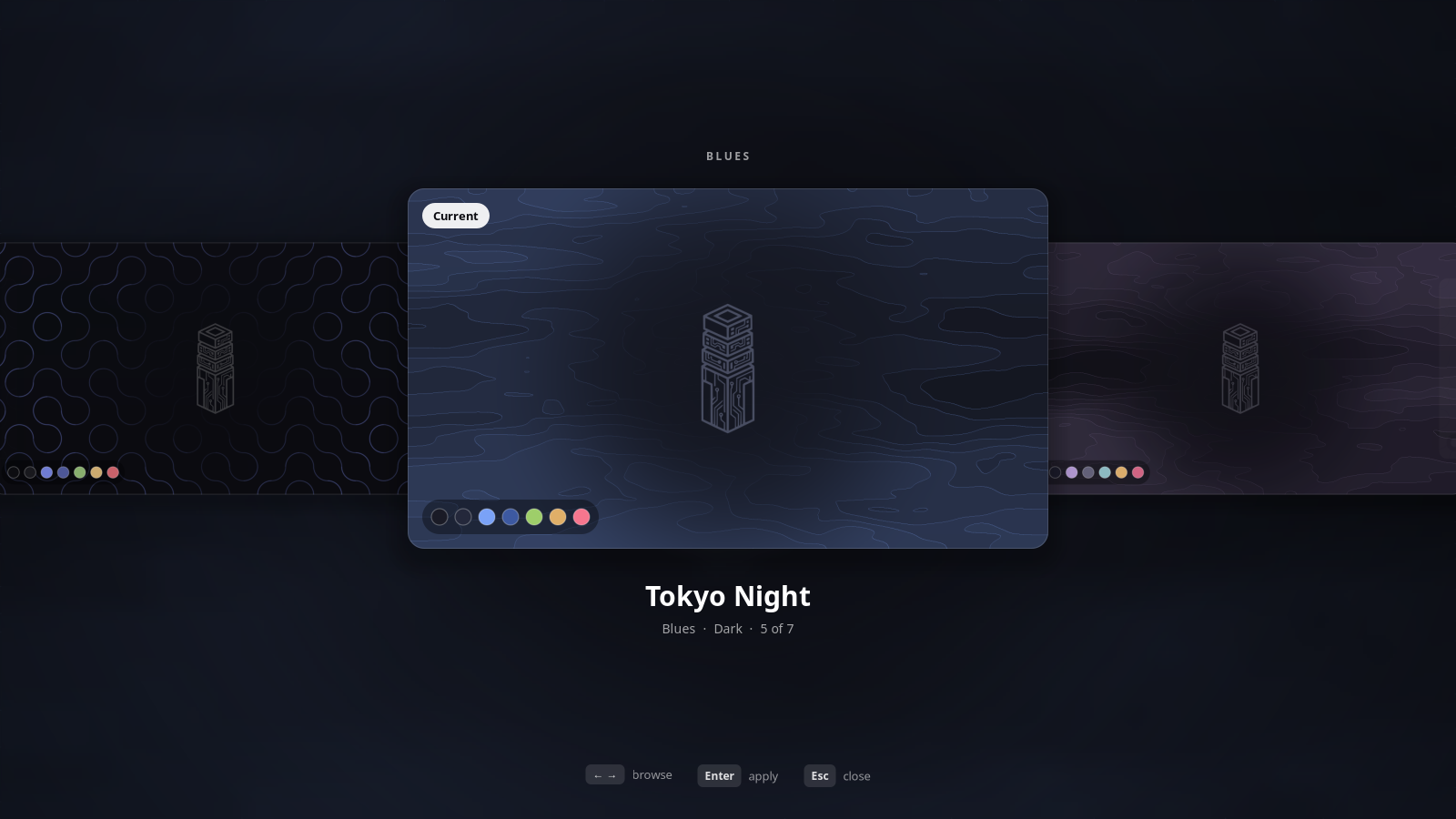
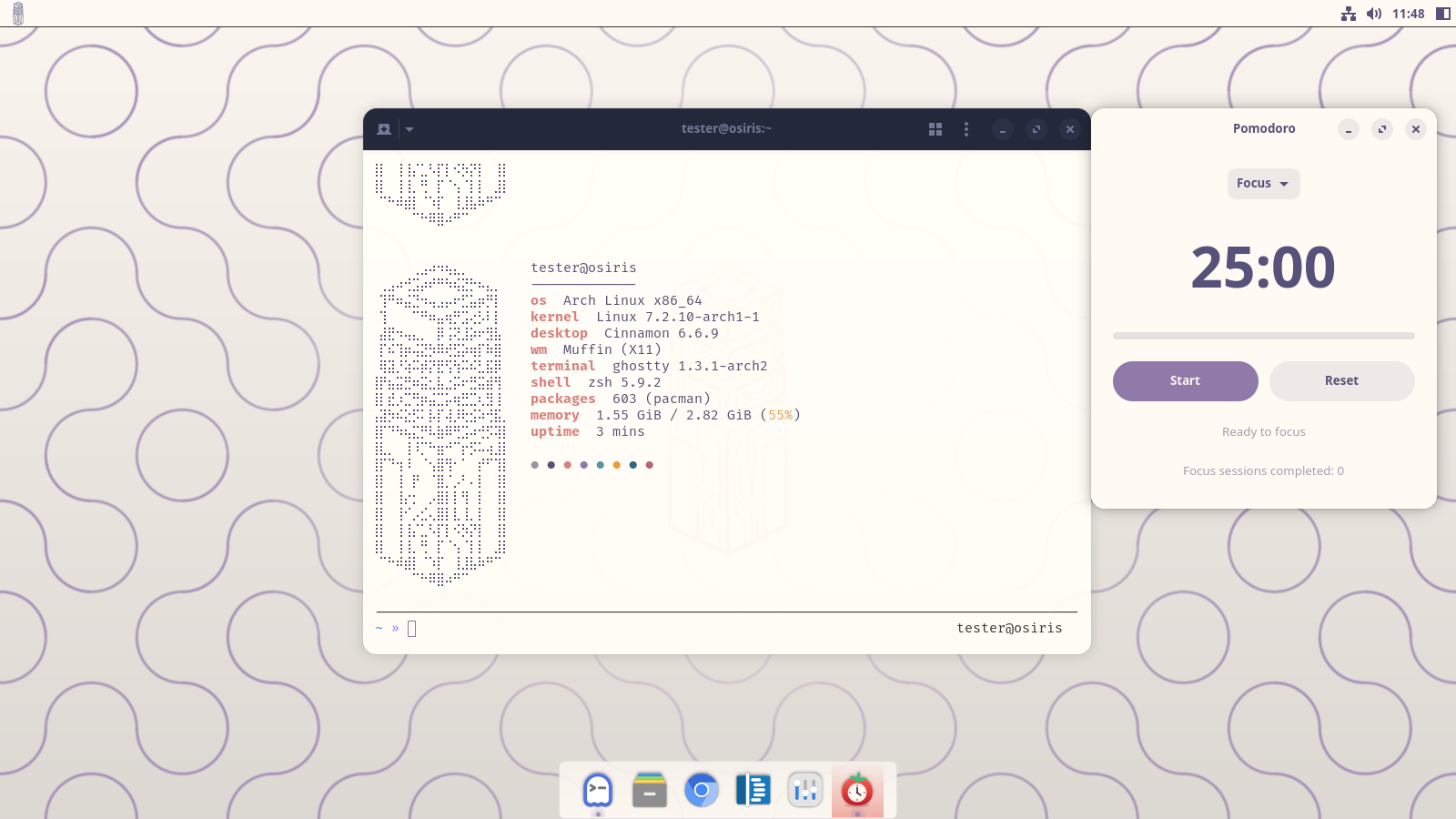
A theme sets the colours of everything at once: apps, window borders, the panel, the dock, the app launcher, the terminal, folder icons and the wallpaper. Apps the agent writes follow it too. Switching is instant, no logging out.
Press Super + T to flip through the seven themes that come with Osiris, or make your own from a colour or a picture.
Wallpapers move. Each one is a small program on your graphics card, animating slowly in the theme's colours.
Each app the agent writes is a folder in ~/Code, kept in git,
so you can see every change it made and carry on in any editor.
The agent runs on opencode. Connect the AI provider you want, with your own account or key.
Updating Osiris never overwrites your theme, your dock, your terminal settings or files you have edited.
The live ISO starts the full desktop with an Install Osiris icon on it. The installer asks for your region, disk, filesystem, encryption and account, then uses Arch's own archinstall to do the work.
Wipe a disk or install next to another system, use ext4 or btrfs, and encrypt the system if you want. It works on BIOS and UEFI computers.
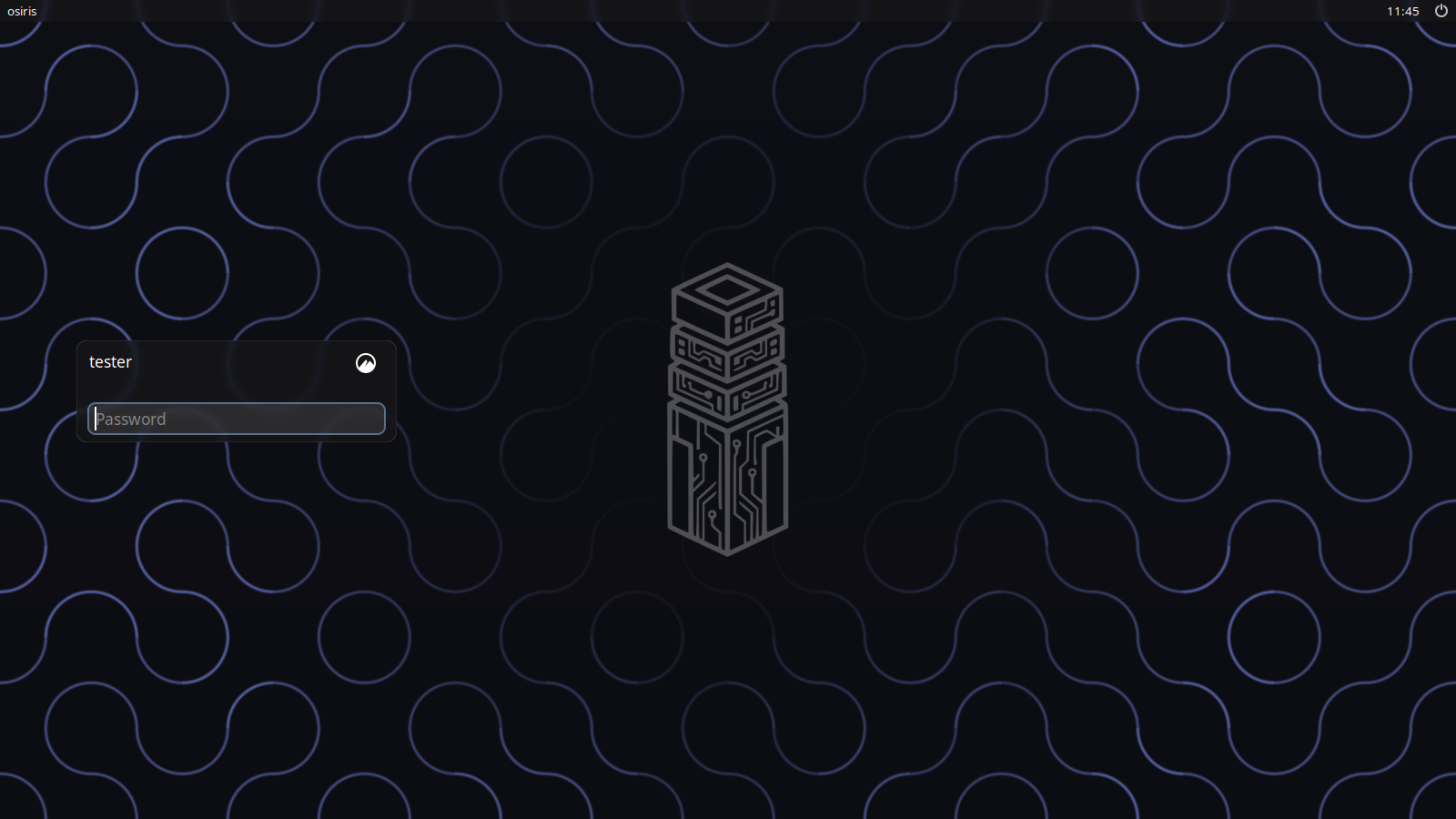
Version 0.3.0, about 2.8 GB. Try it in a virtual machine before trusting it with a disk you care about.
Check the download, then write it to a USB stick. Replace
/dev/sdX with your stick; everything on it is erased.
sha256sum -c osiris-0.3.0-x86_64.iso.sha256
sudo dd if=osiris-0.3.0-x86_64.iso of=/dev/sdX bs=4M status=progress oflag=sync
Or build it yourself on Arch Linux; the README explains how.